Over the past few months, my girlfriend and I have been spending a lot of time with Satisfactory, safe to say we’ve become pretty addicted.
Satisfactory is a game all about resource management and planetary exploration (or *cough* exploitation). As a pioneer for FICSIT Inc., you drop onto an alien world with just a handful of tools. Your mission: harvest natural resources to construct increasingly complex automated factories. Think conveyor belts, lots of them.
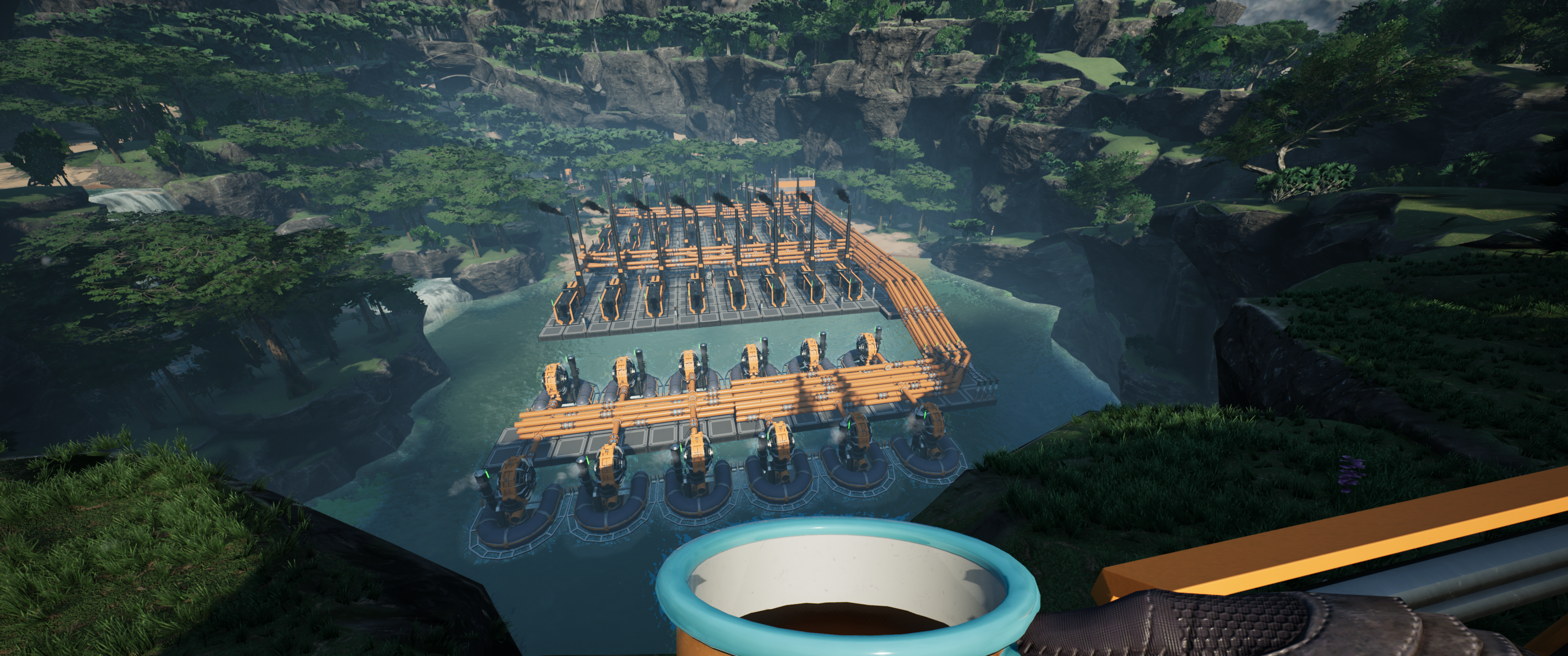 The coal plant in a mountain lake is one of our greater achievements so far.
The main challenge we faced was the sheer time required to manufacture complex components. For example, creating rotors requires iron rods and screws. These are fabricated from iron ingots, which comes from smelting iron ore. As parts become more advanced, the fabrication chains grow longer and more time-consuming.
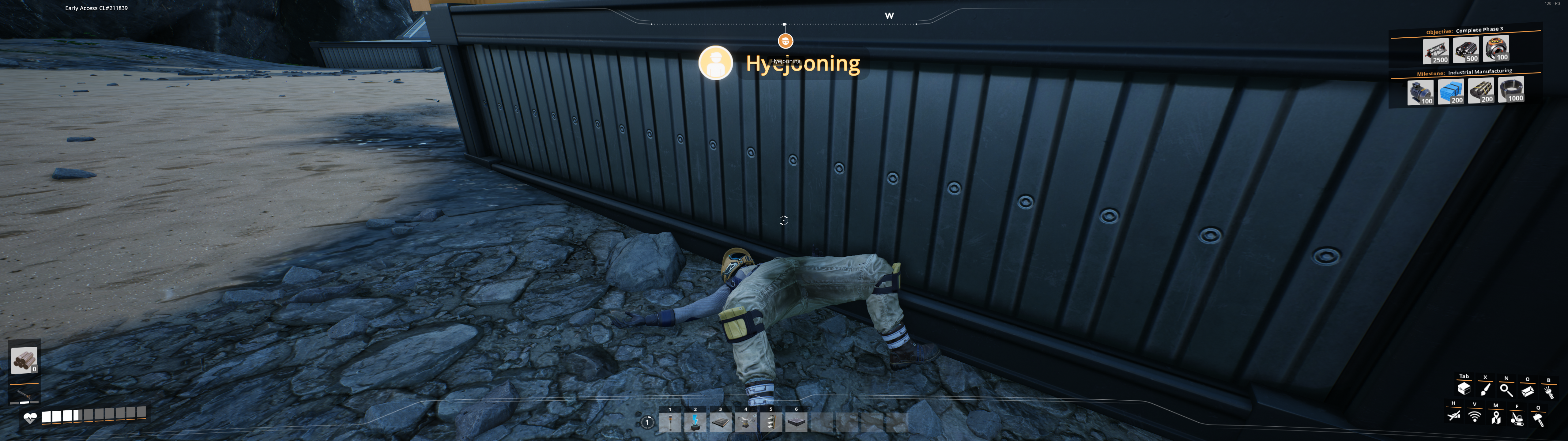
0 Days since last accident.
While there’s fun in designing these processes, it can take hours for your factory to generate the quantities you need. Sadly, your factory only runs while the game is running. If you have bottlenecks in your fabrication process (and let’s be honest, you will), you’re often left waiting on your factory’s slow output rate.
This is where hosting a dedicated server comes in handy, which keeps your factory producing 24/7; you simply connect as a client and reap the rewards of overnight production.
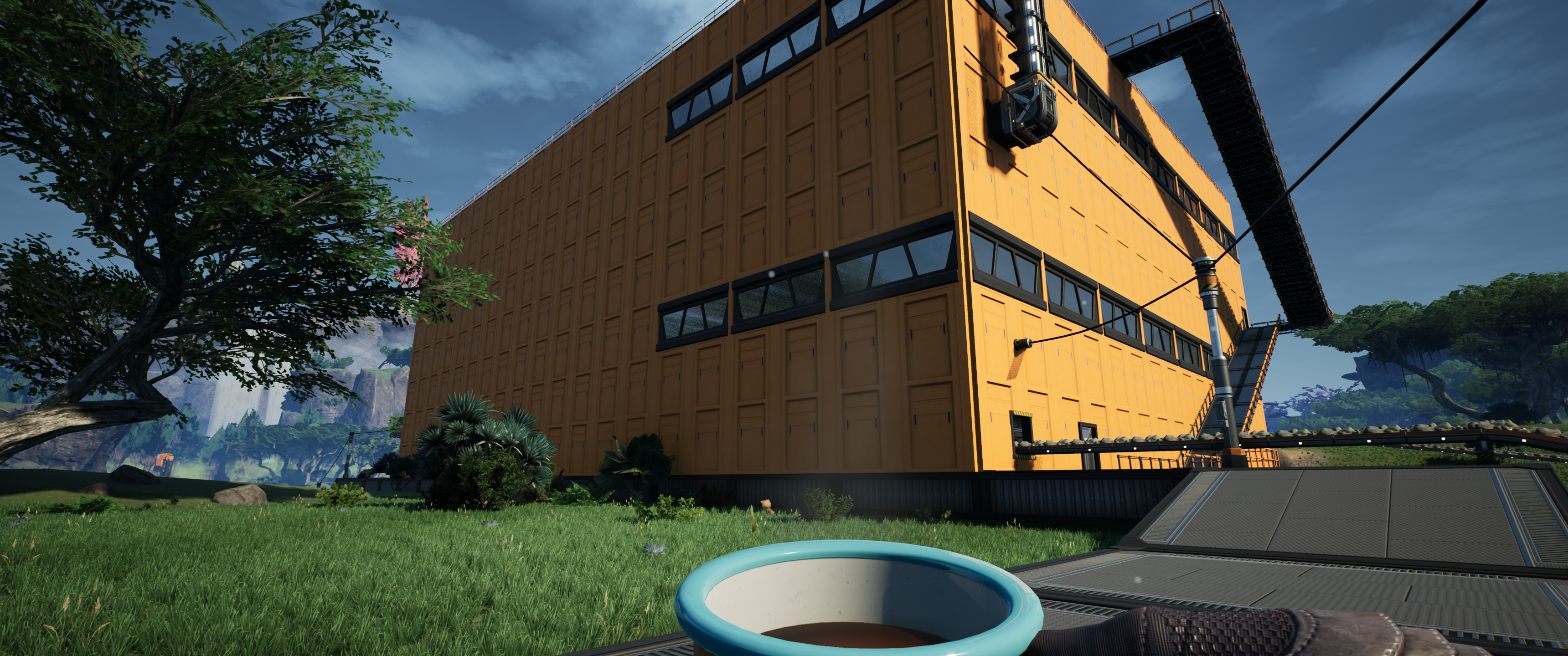 Nothing like checking your factory first-thing in the morning with a cup of joe.
If you have an old Windows computer lying around like I did, setting up a dedicated server is fairly trivial thanks to SteamCMD. To install (or update) your dedicated server, simply run the following snippet in your command line.
steamcmd.exe +force_install_dir C:\GameServers\SatisfactoryServer
+login anonymous +app_update 1690800 -beta public validate +quit
- The
+login anonymousparameter allows Steam downloads without a Steam account. - The
+app_update 1690800parameter points to Satisfactory’s dedicated server App ID.
To start the server, run the following command from the dedicated server’s directory.
.\FactoryServer.exe -log -unattended
Just save these snippets as a Windows batch file (.bat). That’s another thing automated, whoo-hoo!
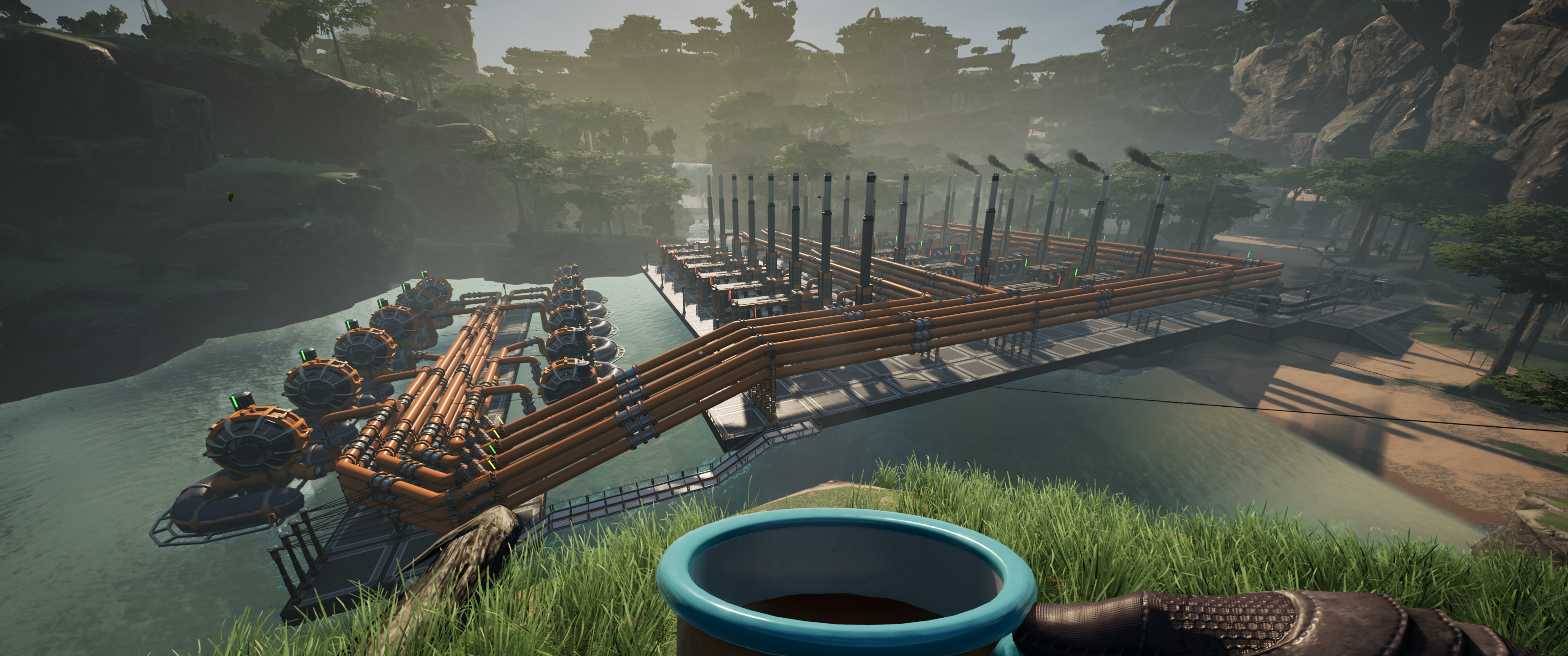 One of the best parts of the game is looking at your finished creations and realizing you sank way too many hours into it.
Satisfactory certainly earned a permanent spot on my list of favorite games. I first played it with my best bud when it launched as early access on Steam, and while it had its fair share of rough edges back then, Coffee Stain Studios have updated it with such dedication that it became one of the best rated games on Steam.